
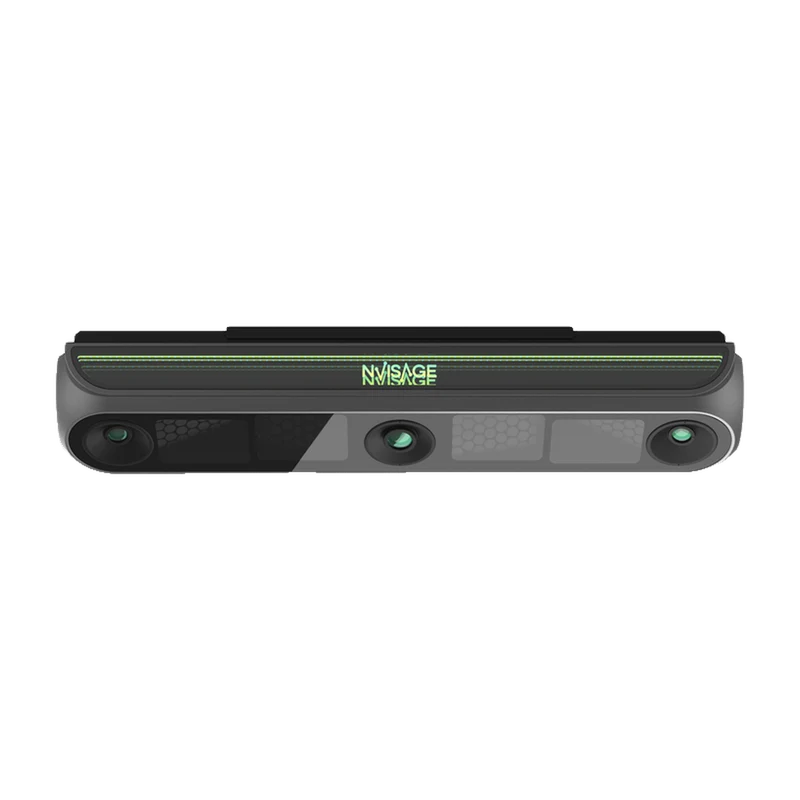
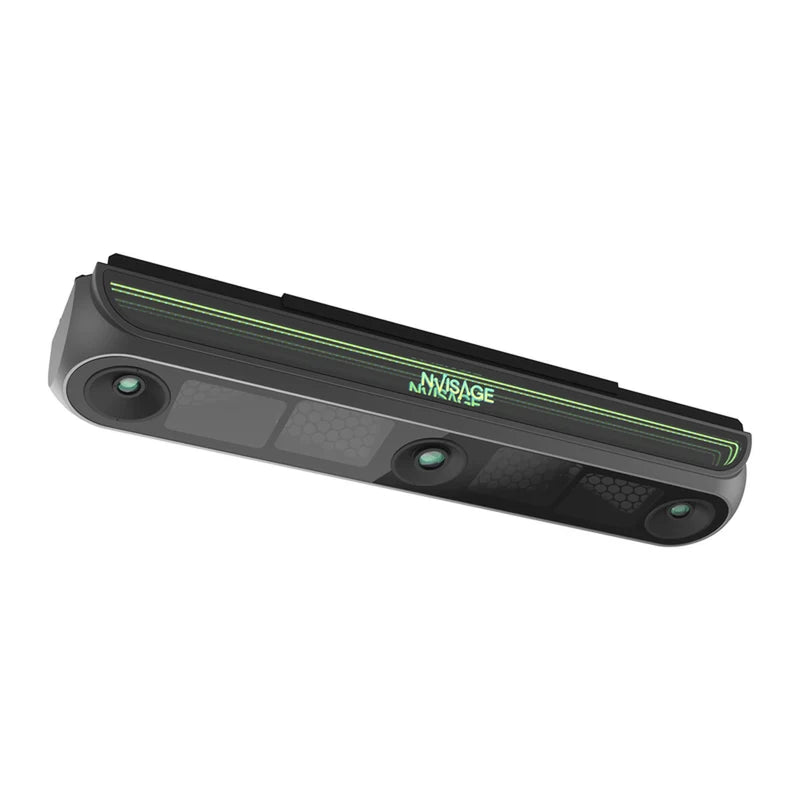
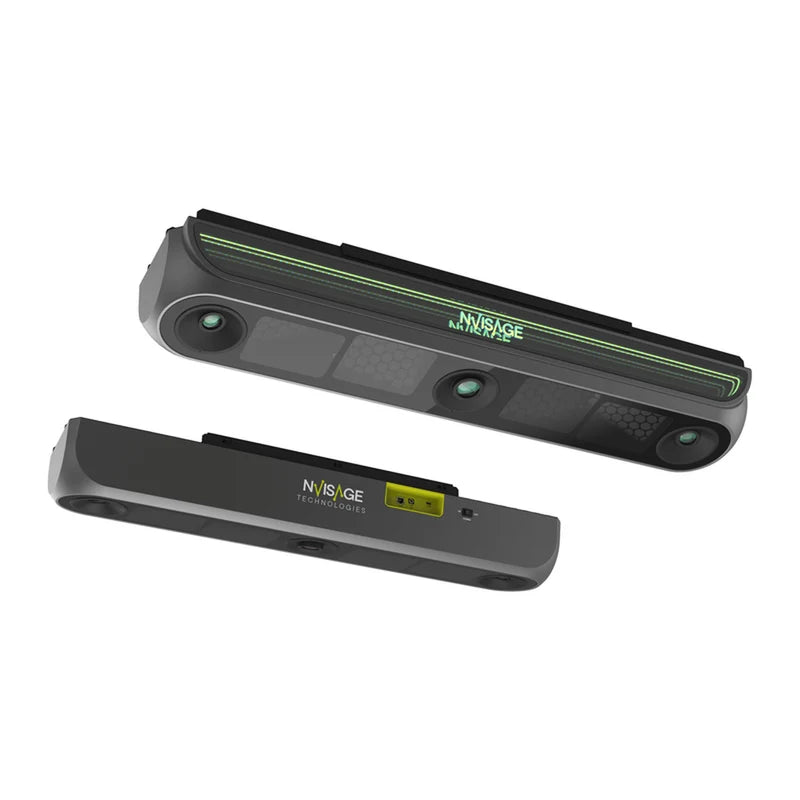
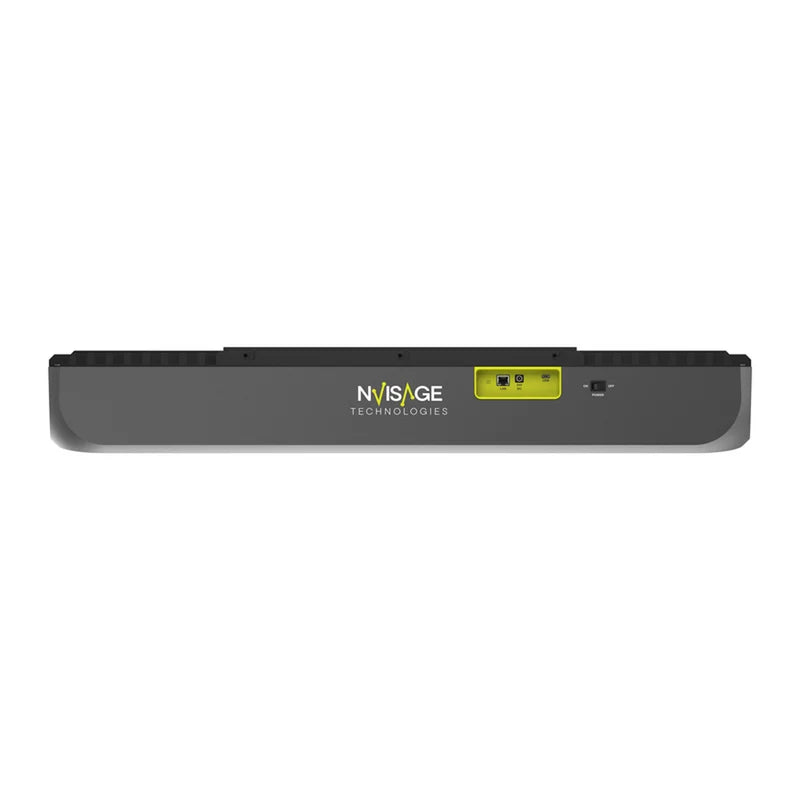
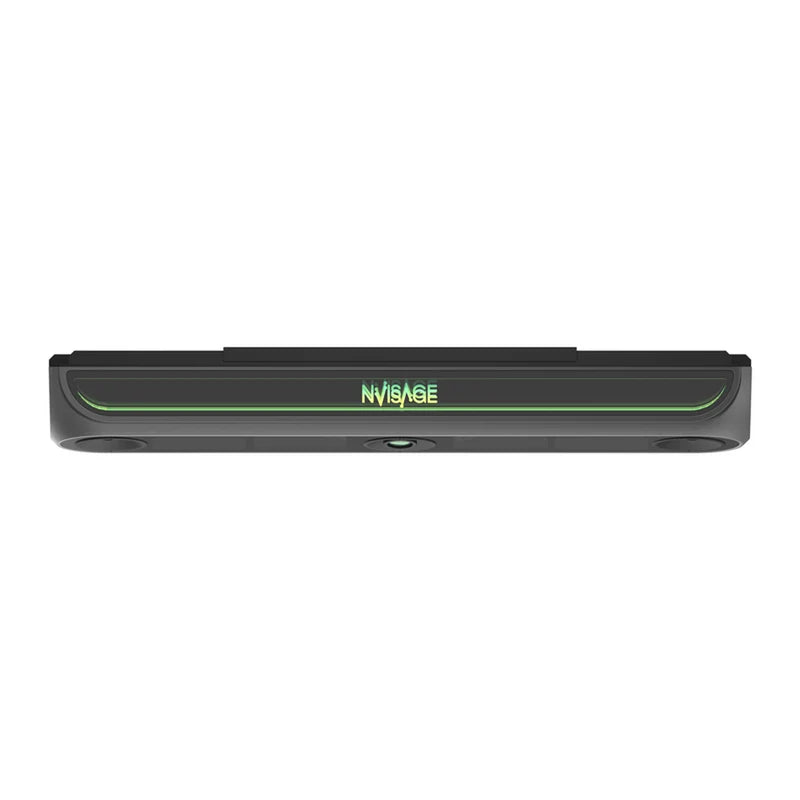
The NVISAGE N2 Launch Monitor is a high-performance overhead tracking system built for dedicated golfers, residential golf simulators, and commercial indoor golf facilities. Installed 9.2 to 9.8 feet above the hitting area, it stays clear of the golfer’s swing while its advanced triple-camera system records shots at an impressive 6,000 frames per second for detailed shot analysis.
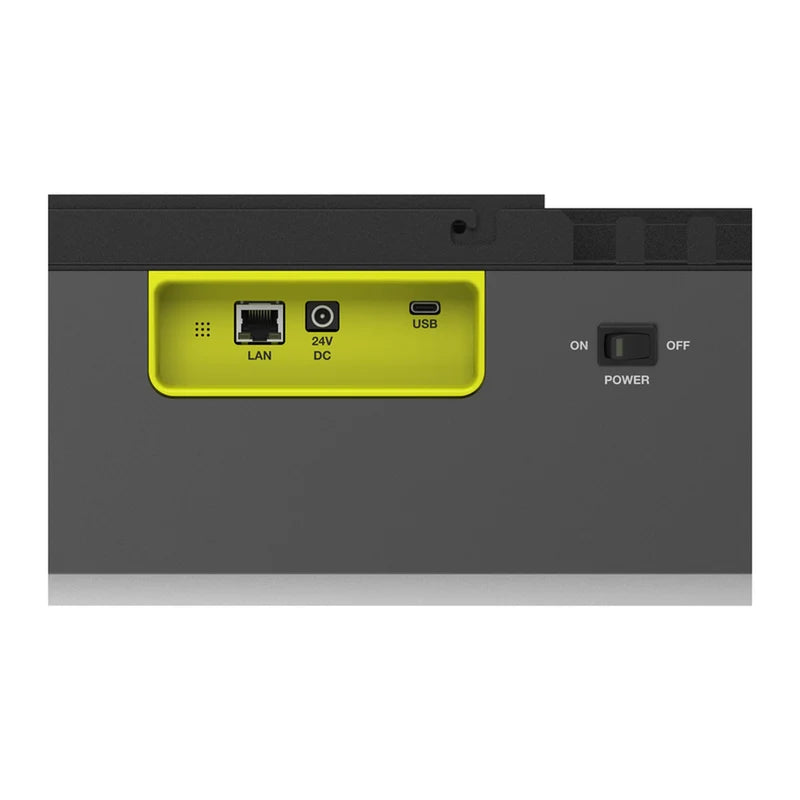
With a generous 32" × 24" hitting area, the N2 accommodates both right- and left-handed players and automatically identifies the golfer’s hitting side. It works with standard golf balls without requiring special markings, while club stickers are only necessary when accessing advanced measurements such as face impact location. Shot data is delivered in approximately 0.2 seconds, and connectivity options include Gigabit Ethernet and Wi-Fi for desktop computers and laptops.
The N2 includes NVISAGE MURLIE shot analysis and MURLIE-X course play software without recurring subscription fees. It also supports integration with PurePlay, GSPro, E6 Golf, and Creative Golf without additional integration charges, offering a flexible solution for building a feature-rich golf simulator setup.
What's Included:
- NVISAGE N2 Launch Monitor
- Mounting Plate
- Calibration Board
- Power Adapter
- LAN Cable
- Tapping Screws
- Spirit Level
- Club Stickers
- MURLIE Shot Analysis Software with no subscription fees
- MURLIE-X Course Play Software with 20 included courses and no subscription fees
Choose options
Product Overview
The NVISAGE N2 is a premium overhead golf launch monitor designed for serious golfers, home golf simulators and commercial facilities. Featuring three high-resolution cameras operating at 6,000 frames per second, the N2 delivers detailed ball and club tracking with rapid shot feedback.
Installed overhead at a height of approximately 2.8 to 3.0 metres, the N2 stays completely out of the player's swing area. Its generous 81.3 × 61 cm hitting zone supports both left- and right-handed golfers without moving the launch monitor, automatically detecting which side is being used.
Unlike some camera-based tracking systems, the N2 works with standard golf balls and does not require specially marked balls. Optional club stickers provide additional advanced club measurements, including impact location.
Shot results are available in approximately 0.2 seconds, with Gigabit Ethernet and Wi-Fi connectivity. MURLIE shot analysis and MURLIE-X course play software are included without ongoing subscription fees. The N2 also supports PurePlay, GSPro, E6 Golf and Creative Golf.
Features
Premium Overhead Design
Ceiling-mounted installation keeps the device away from the ball and club, leaving the hitting area unobstructed. Ideal for home and commercial simulators.
High-Speed Triple Cameras
Three high-resolution cameras capture ball and club information at up to 6,000 frames per second for detailed shot analysis.
Large 32" × 24" Hitting Zone
An approximately 81 × 61 cm hitting area provides excellent flexibility for different players and supports both left- and right-handed golfers.
Automatic Handedness Detection
The N2 identifies whether a golfer is playing left- or right-handed, allowing different players to share the same simulator without adjustments.
No Special Golf Balls Required
Use your preferred standard golf balls. There is no requirement for reflective dots or specially marked balls.
Advanced Club Tracking
Comprehensive club measurements include club path, face angle, attack angle and dynamic loft. Optional club stickers unlock further impact information.
Fast Shot Response
Shot data is processed in approximately 0.2 seconds, creating a responsive practice and simulator experience.
Ethernet & Wi-Fi Connectivity
Connect to a compatible desktop or laptop using Gigabit Ethernet or Wi-Fi, providing installation flexibility.
MURLIE Shot Analysis Included
Includes NVISAGE MURLIE for performance analysis, shot storage and swing recording. Supports up to three cameras for swing video review.
MURLIE-X Course Play Included
Enjoy virtual golf with 20 included courses and no ongoing software subscription fees for MURLIE-X.
iOS Software Support
MURLIE is available for compatible Windows PCs and iOS devices, including iPad and iPhone.
Third-Party Simulator Support
Compatible with PurePlay, GSPro, E6 Golf and Creative Golf, without additional NVISAGE integration fees. Third-party software costs may apply.
What's Included
Everything needed for the N2 launch monitor installation and initial setup is included:
- NVISAGE N2 Launch Monitor
- Mounting Plate
- Calibration Board
- Power Adapter
- LAN Cable
- Tapping Screws
- Spirit Level
- Club Stickers
- MURLIE Shot Analysis Software (No Subscription Fees)
- MURLIE-X Course Play Software (20 Courses Included, No Subscription Fees)
What's Measured
The NVISAGE N2 provides 27 ball, club and flight data parameters for detailed performance analysis.
Ball Data
- Ball Speed
- Total Spin
- Back Spin
- Side Spin
- Spin Axis
- Launch Angle
- Launch Direction
Club Data
- Club Speed
- Club Path
- Attack Angle
- Face Angle
- Dynamic Loft
- Smash Factor
- Face to Path
- Impact Point*
- Dynamic Lie
Flight Data
- Carry Distance
- Total Distance
- Run Distance
- Side Total
- Apex
- Apex Distance
- Landing Angle
- Flight Type
- Flight Time
- Curve
*Club stickers are optional for general operation but are needed for certain advanced measurements, including impact location.
Specifications
NVISAGE N2 Specifications
| Dimensions (W × H × D) | 37.6" × 5.7" × 7.9" (95.5 × 14.5 × 20.1 cm) |
|---|---|
| Weight | 8 kg (17.7 lb) |
| Mounting Location | Overhead / Ceiling Mounted |
| Installation Height | 2.8 to 3.0 metres (9.2' to 9.8') above hitting surface |
| Hitting Zone | 32" × 24" (81.3 × 61 cm) |
| Camera System | High-resolution triple camera system |
| Frame Rate | 6,000 frames per second |
| Response Time | Approximately 0.2 seconds |
| Golf Ball Compatibility | Standard golf balls, no special markings required |
| Club Stickers | Optional, required for certain advanced club measurements |
| Handedness | Left and right-handed, automatic detection |
| Connectivity | Gigabit Ethernet and Wi-Fi |
| Webcam Support | Up to 3 webcams |
| Third-Party Software | PurePlay, GSPro, E6 Golf, Creative Golf (No NVISAGE integration fees) |
| Included Software | MURLIE Shot Analysis and MURLIE-X Course Play |
| Included Golf Courses | 20 courses in MURLIE-X |
| MURLIE Platforms | Windows PC, iOS (iPad and iPhone) |
| Data Parameters | 27 |
NVISAGE Launch Monitor Comparison
Compare the N2 against the N1 and portable NEO-E launch monitor. On mobile, swipe horizontally to view the entire comparison.
| Feature | NEO-E | N1 | N2 |
|---|---|---|---|
| Design | Portable | Overhead | Overhead |
| Camera System | Triple | Dual | Triple |
| Frame Rate | 6,000 fps | 4,000 fps | 6,000 fps |
| Hitting Zone | 10" × 13" | 16" × 20" | 32" × 24" |
| Installation Height | Not applicable | 2.8–3.0 m | 2.8–3.0 m |
| Golf Balls | Standard balls | Marked balls | Standard balls |
| Connectivity | Wi-Fi / Ethernet | Ethernet | Wi-Fi / Ethernet |
| Shot Response | 0.2 seconds | 0.2 seconds | 0.2 seconds |
| Handedness | Both hands | Not specified | Both hands |
| Club Stickers | Optional | Not applicable | Optional |
| Data Parameters | 25 | 21 | 27 |
| Included Software | MURLIE / MURLIE-X | MURLIE / MURLIE-X | MURLIE / MURLIE-X |
| Third-Party Software | PurePlay, GSPro / E6 / Creative Golf | PurePlay, GSPro / E6 / Creative Golf | PurePlay, GSPro / E6 / Creative Golf |
| Battery | Up to 5 hours | No | No |
| Weight | 2.7 kg | 5.3 kg | 8 kg |
Requirements
Minimum PC Requirements
| Operating System | Windows 10 |
|---|---|
| Processor | Intel Core i5-8400 |
| Memory | 8 GB RAM |
| Graphics Card | NVIDIA GTX 1050 |
| Storage | 50 GB or greater |
Recommended PC Requirements
| Operating System | Windows 11 (64-bit) |
|---|---|
| Processor | Intel Core i7, 10th Generation or newer |
| Memory | 16 GB RAM or greater |
| Graphics Card | NVIDIA RTX 30 Series or newer |
| Storage | 50 GB or greater |
Installation & Space Requirements
| Installation Height | 2.8 to 3.0 metres above the hitting surface |
|---|---|
| Hitting Zone | 81.3 × 61 cm (32" × 24") |
| Installation Type | Fixed overhead mounting |
| Connection | Gigabit Ethernet or Wi-Fi to a compatible computer |
These specifications relate to NVISAGE software. Third-party software such as GSPro may require a more powerful PC. Ensure your room dimensions and mounting arrangement are suitable before installation.
Frequently Asked Questions
No. The N2 works with standard golf balls, so you can use your preferred brand without special markings or reflective dots.
Club stickers are optional for general operation. They are required for certain advanced measurements, including club face impact location. A set is included.
The recommended installation height is 2.8 to 3.0 metres (9.2' to 9.8') above the hitting surface.
Yes. The N2 supports both left- and right-handed golfers from a single fixed installation. It automatically detects the hitting side, eliminating the need to reposition the unit.
The N2 features three high-resolution cameras running at 6,000 fps, compared with two cameras at 4,000 fps in the N1. It also features a larger 32" × 24" hitting zone, works with unmarked golf balls, and supports both Gigabit Ethernet and Wi-Fi connectivity.
No. MURLIE shot analysis and MURLIE-X course play, including 20 courses, are provided without ongoing subscription fees. Third-party simulator software may require a separate purchase or subscription.
Yes. The N2 is compatible with PurePlay, GSPro, E6 Golf and Creative Golf, with no additional NVISAGE integration fees. Software licences are sold separately where applicable.
Yes. NVISAGE MURLIE supports compatible iOS devices, including iPad and iPhone, in addition to Windows PCs.
Yes. MURLIE supports up to three compatible cameras to record and review your golf swing alongside launch monitor measurements.
Resources
Access the latest NVISAGE software downloads, user manuals, product documentation and updates directly from the manufacturer.
Official NVISAGE Resources View Resources ↗